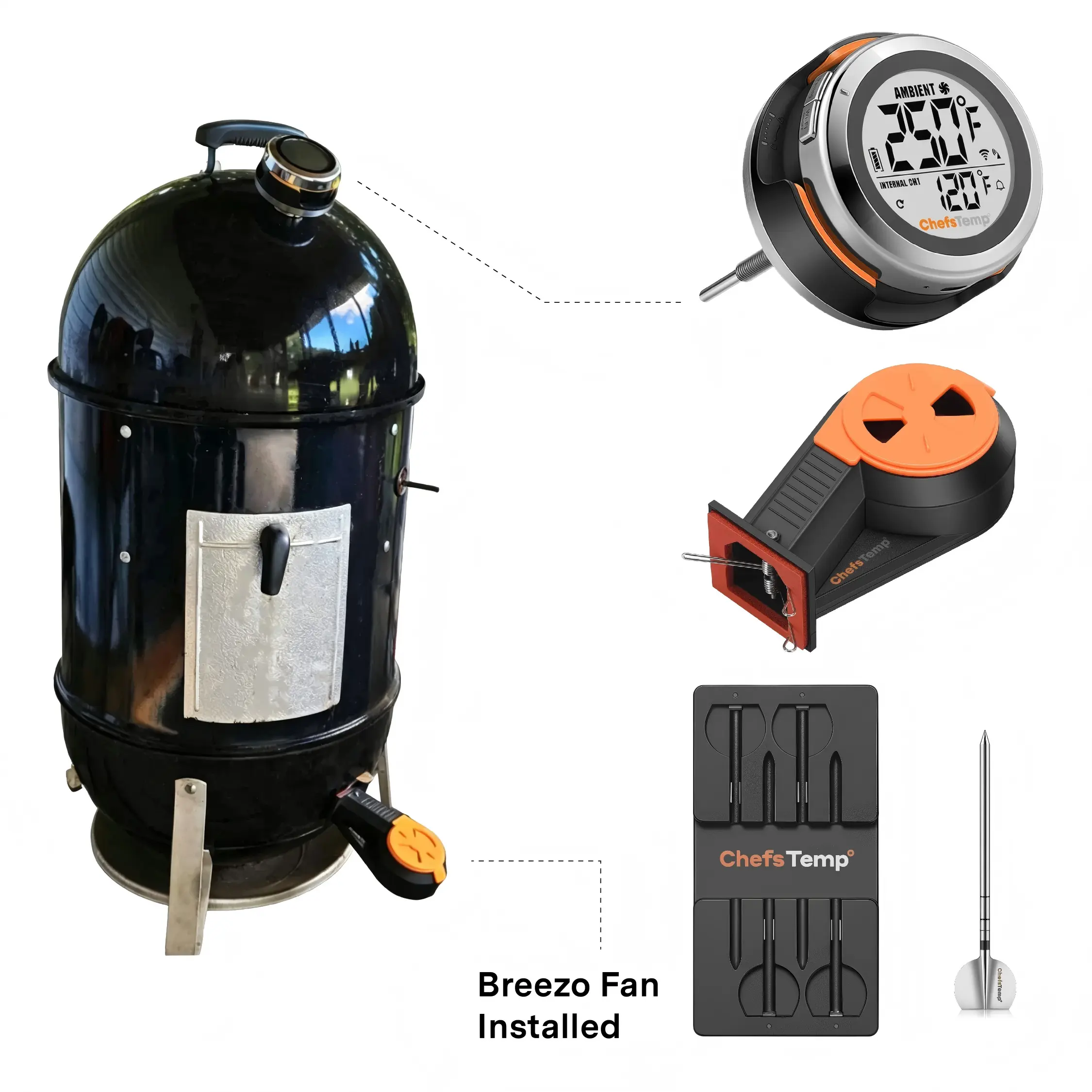
S1 Bundle for Weber Smokey Mountain
From $245.99In stock at ChefsTemp
Probe Count
Add to cart
- 1-Probe
- 2-Probe
- 3-Probe
- 4-Probe
Sold and shipped by ChefsTemp. You’ll choose options and pay on their secure checkout.
S1 Bundle for Weber Smokey Mountain is a bundles from ChefsTemp. It’s wireless and portable. You can personalise it when you order. Available from $245.99 to $395.96, and shipped directly by ChefsTemp.
- Wireless
- Can be personalised
Best for Personal gifts
Pros and cons
What we like
- Can be personalised
- Easy to carry or travel with
- Currently marked down from $255.99
Worth knowing
- Costs more than most similar items we list
- Personalised items are usually not returnable
Product details from ChefsTemp
Why Upgrade Your Weber Smokey Mountain Smoker with S1 Bundle?
Wi-Fi & Bluetooth Monitoring
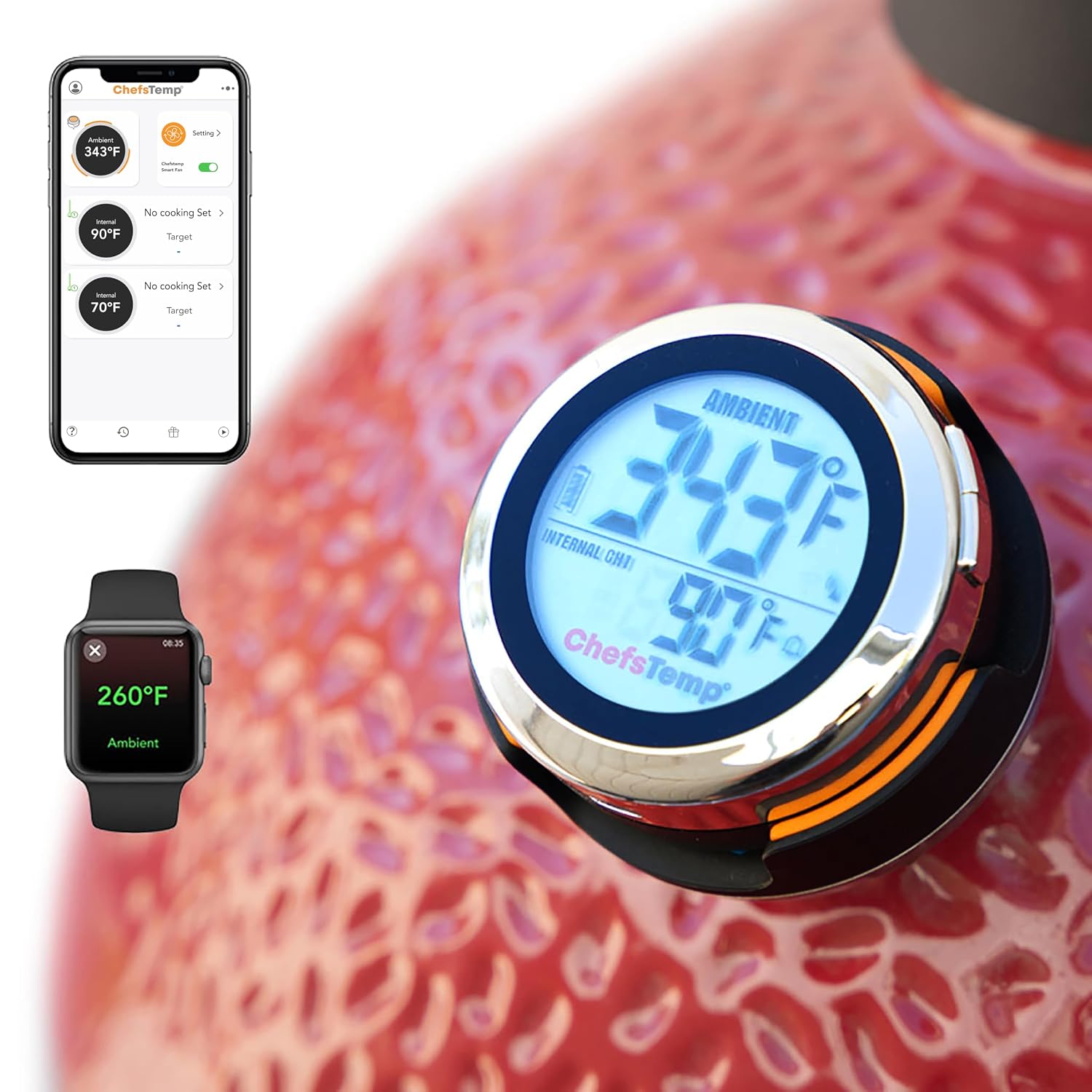
Track grill and meat temperatures remotely on your phone or Apple Watch via Wi-Fi & Bluetooth. Monitor your cook from anywhere—day, night, heat, cold, rain, or while sleeping.
No Wires, No Dead Batteries
Say goodbye to messy wires cluttering your cook station. With 40 hours of battery life on a single charge, you can handle overnight smokes without battery anxiety and manage everything right from your phone or Apple Watch.
Stop Guessing Your Pit Temps
Original dome gauges are rarely accurate. Upgrade to a pro-grade Platinum sensor rated up to 1000°F and track up to 4 probes (each equipped with 5 sensors) at once for real-time accuracy across every cut of meat.
Set It and Forget It
No more waking up at 3 AM to adjust air vents. Built specifically for your WSM, it automatically manages airflow to lock in precise temps—from low-and-slow briskets to high-heat sears.
Perfect Match for Your Weber Smokey Mountain Cooker Smoker
Smokey Mountain 14″
Smokey Mountain 18″
Smokey Mountain 22″
Designed specifically for the Weber Smokey Mountain (WSM) community, this bundle makes managing airflow on your smoker straightforward and reliable. Whether you run the ultra-portable 14″, the versatile 18″, or the high-capacity 22″ model, our custom adapter mounts quickly to your lower damper door without any permanent drilling or modifications.
It seals off unwanted air leaks, giving you consistent draft control so you can lock in steady pit temperatures and step away from your water pan and vents during long, low-and-slow cooks.
What’s Included in the Bundle
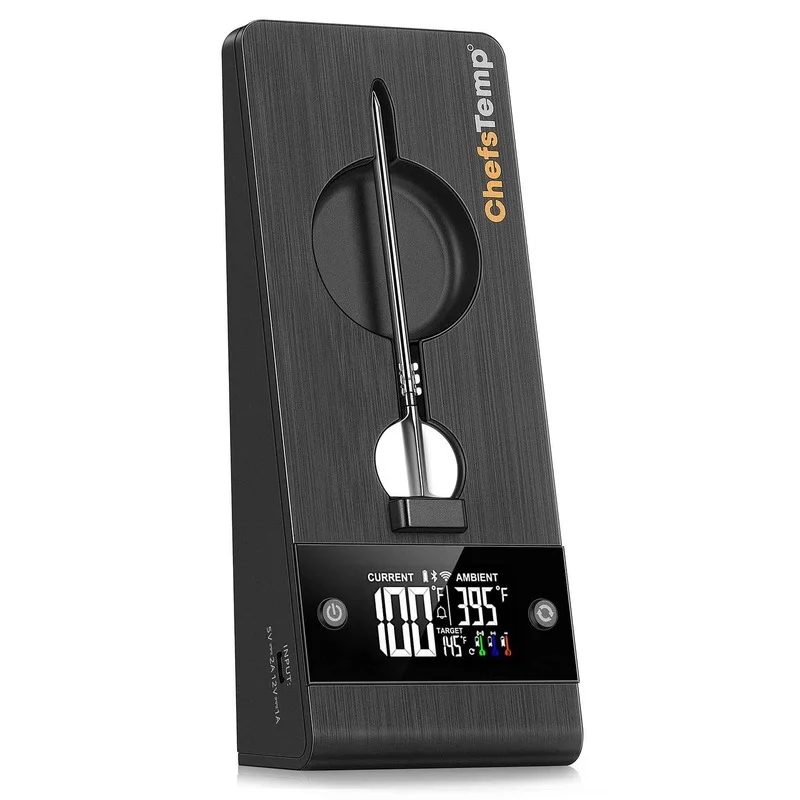
S1 Grill Gauge
Smart grill temperature controller for precise pit monitoring and control.
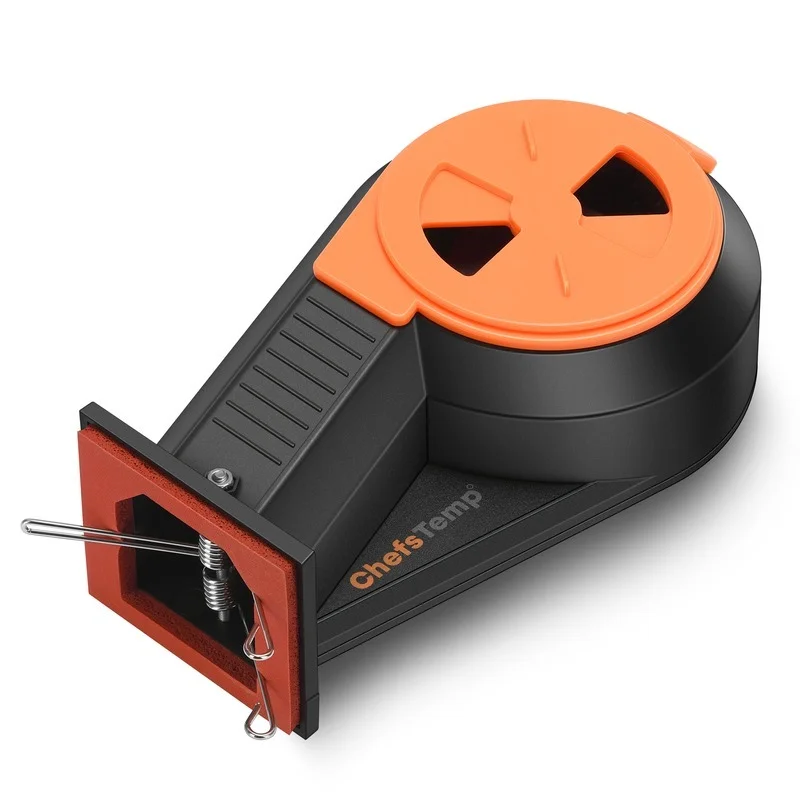
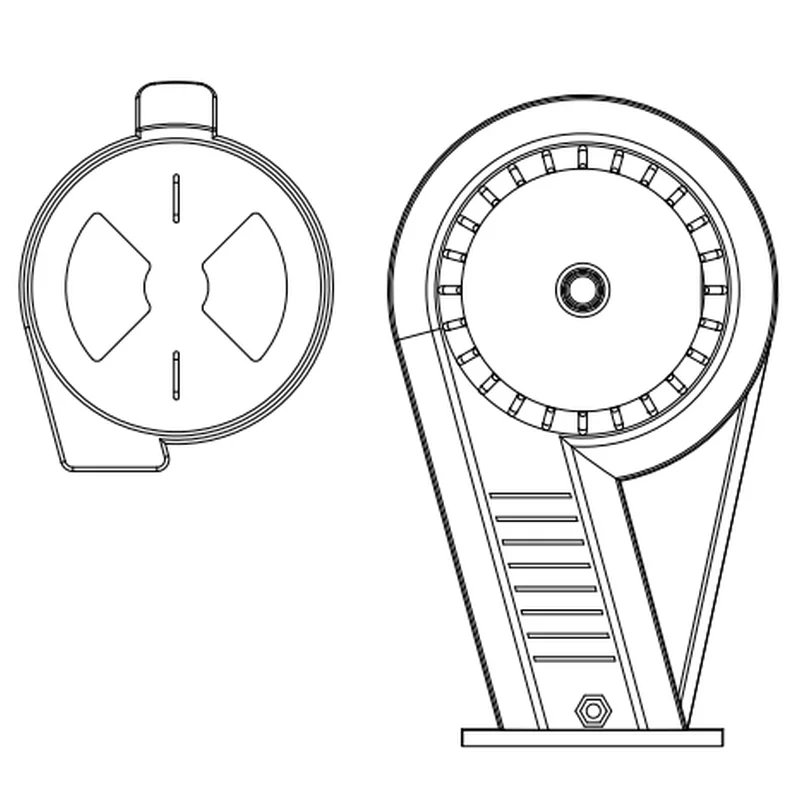
Breezo Fan
Automatic airflow fan thathelps maintain steady heat formore consistent BBQ results.
4-in-1 Charger
Charging dock for ProTemp S1/2 Plus wireless thermometer probes.
Wireless Probes
Custom select 1/2/3 probes for accurate meat internal temperature tracking.
See How S1 Bundle Work with Weber Smokey Mountain
As Seen On:
Play
Play
Play
Play
FAQ
My ProTemp S1 cannot turn off, the backlight does not dissappear.
If you cannot turn off by holding down the power button, you can perform a reset operation:
1. Prepare a thin needle, toothpick, or paper clip.
2. Find the RESET hole next to the charging port of S1 Main Unit.
3. Insert the fine needle into the RESET hole and gently press until the screen briefly disappears and lights up to indicate that the reset is complete.
If it still cannot be resolved, please contact our customer service email info@chefstemp.com Please provide your order number and instructional video. We will provide further diagnosis and support.
Bluetooth won't connect/Bluetooth connection is stuck on C-1.
If your S1 is unable to connect to Bluetooth or is stuck on C-1 during pairing, please follow these steps to resolve the issue:
• 1. Check App Permissions: Make sure the ChefsTemp app has all required permissions—especially location access—enabled on your device.
• 2. Clear Existing Connections: Ensure all previous connections are removed from the ChefsTemp app. Then, reconnect by following our tutorial video: How to Pair Your ProTemp S1 with Bluetooth and Wi-Fi | Step-by-Step
• 3. Reset the S1: Press the RESET button next to the charging port.
• 4. Test with LightBlue App: If the issue persists, download the LightBlue app and check for “ProTemp S1 Base” in the device list.
If there are still issues, please contact our customer service via phone or email for support.
My wireless probes keep disconnecting and won't reconnect to the ProTemp S1.
If you experience connection issues with your probes (can not connect the probes to ProTemp S1/ProTemp Plus Series, or the probe is disconnected during use), please try the following step-by-step guide:
• Delete all your connection in the app, including ProTemp S1, ProTemp Plus/ProTemp 2 Plus and probes.
• Uninstall the ChefsTemp app and reinstall it, ensure that your app is the latest version.
• Fully charge everything: Place all probes in the 4-in-1 Charger or ProTemp Plus/ProTemp 2 Plus Stand for at least 15 minutes.
• Pair probes one at a time: Take only one probe out of the Charger/Stand to pair. Wait for it to connect successfully, then put it back, and repeat with the next probe (Click on “…” in the upper right corner of the app homepage, click on “My Connections”, click on “Add New Probe”, and then click on “Probe” in “SEARCHING FOR NEARBY PROBES”).
• Ensure that your ProTemp S1 and ProTemp Plus/ProTemp 2 Plus Stand are located close to the probe to ensure smooth transmission of probe signals.
This method avoids signal interference between probes and helps the app detect them correctly.
If your probe still cannot connect, you can perform the following confirmation steps:
• Click on the probe icon on the probe page to perform fault diagnosis. You can wat…
About ChefsTemp
ChefsTemp is an independent brand in home & kitchen, best known here for its accessories, bundles. Every product on this page is sold and shipped by ChefsTemp directly, and prices are checked daily.
In the brand’s words: “Upgrade to ChefsTemp, the World's First Smart Grill Temp Gauge & Wireless Meat Thermometer Hub. Shop the ultimate Chefs Wireless WiFI Meat Thermometer 2026.”
Shop all ChefsTempMore from ChefsTemp
Shop the brand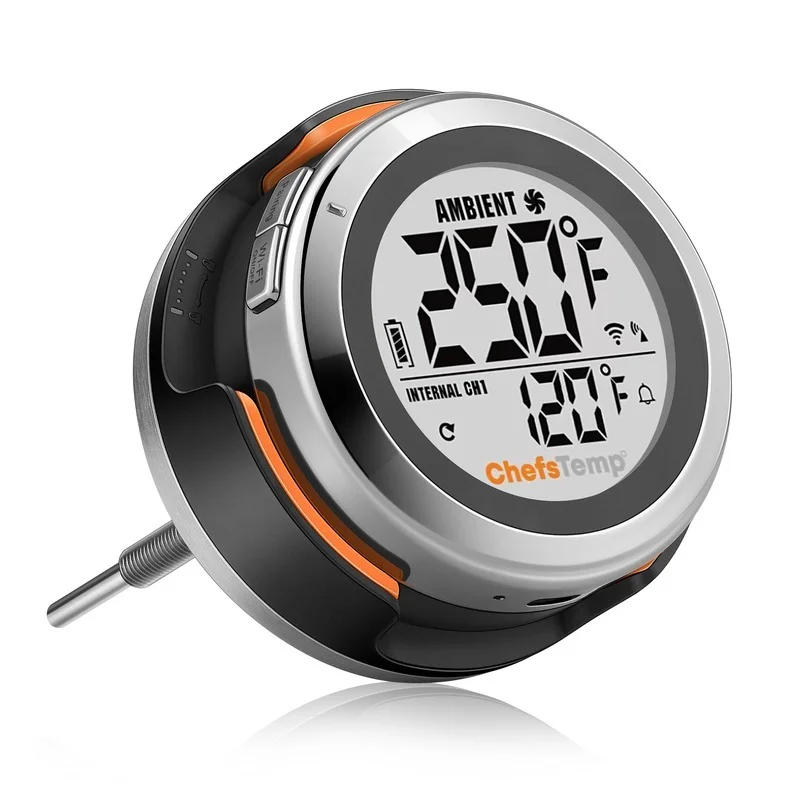






You might also like
More in Home & Kitchen

Ciarra Appliances
Add to cartCIARRA 20 Inch Stainless Steel Range Hood Insert, 530 CFM Built-In Under Cabinet Design CAS52913E-N-OW
$249.99

Ciarra Appliances
Add to cartCIARRA 20 Inch Built-In Range Hood Insert Under Cabinet Black Stove Hood CAB52913E-N-OW
$249.99

nour-house.se
kr 399
Add to cartWater Kettle – 1.7 Liter – 1500W – 360 Degree Rotatable – Black – Royalty Line
kr 250


Ciarra Appliances
Add to cartCIARRA 24 Inch 400CFM Wall Mount Range Hood With Delay Shut off 3-Speed Extraction CAS60206P-N-OW
$259.99

Ciarra Appliances
Add to cart